Cleaner text. Less fiddling.
Got text with odd spacing, awkward line breaks, or words that need changing? Clean it up before adding it to your Canva design.
What you can do
Purpose-built functionality crafted for daily workflows.
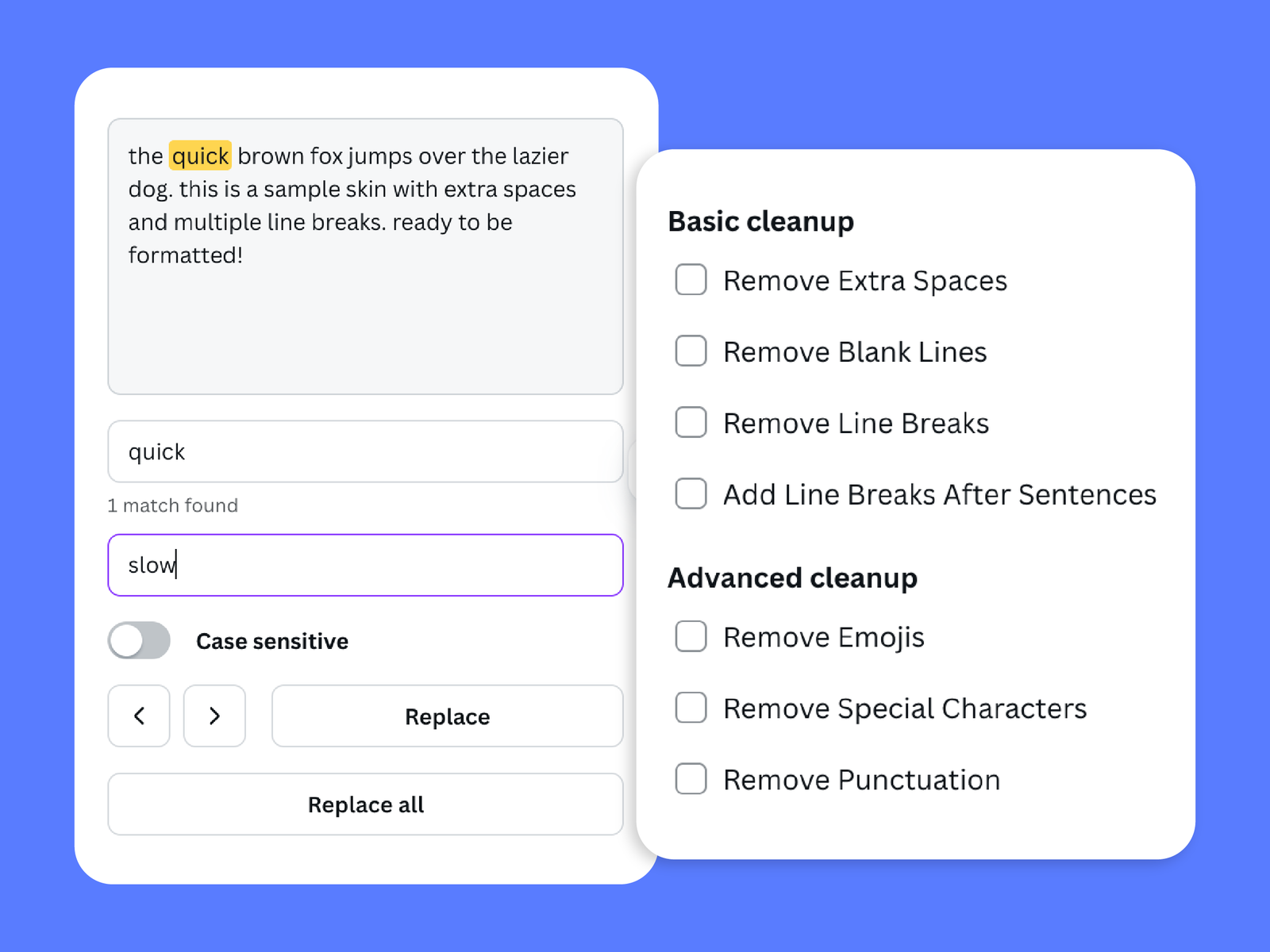
Remove extra spaces
Tidy up text with unnecessary spaces.
Fix line breaks
Make text easier to work with by cleaning up unwanted line breaks.
Find and replace words
Replace words or phrases without having to search through everything manually.
Change letter case
Adjust how text is capitalised to suit your design.
How it works
01 · Add your text
Paste the text you want to tidy up.
02 · Choose what to clean
Remove extra spaces, fix line breaks, find and replace words, or change the letter case.
03 · Use the cleaned text
Bring the refined text into your Canva design.
Text copied from documents, websites, or other sources doesn’t always arrive ready to use. Extra spaces, messy line breaks, and inconsistent capitalisation can all take time to fix.
Text Cleaner brings those everyday text fixes together in one place. Tidy up the wording and formatting, then use the cleaner result in your Canva design.
Frequently asked questions
Can I remove extra spaces and fix line breaks?
Can I replace words or change capitalisation?
Can I use the designs and outputs for commercial projects?
More from Craft Mage
Explore other tools we've made to help you get things done.