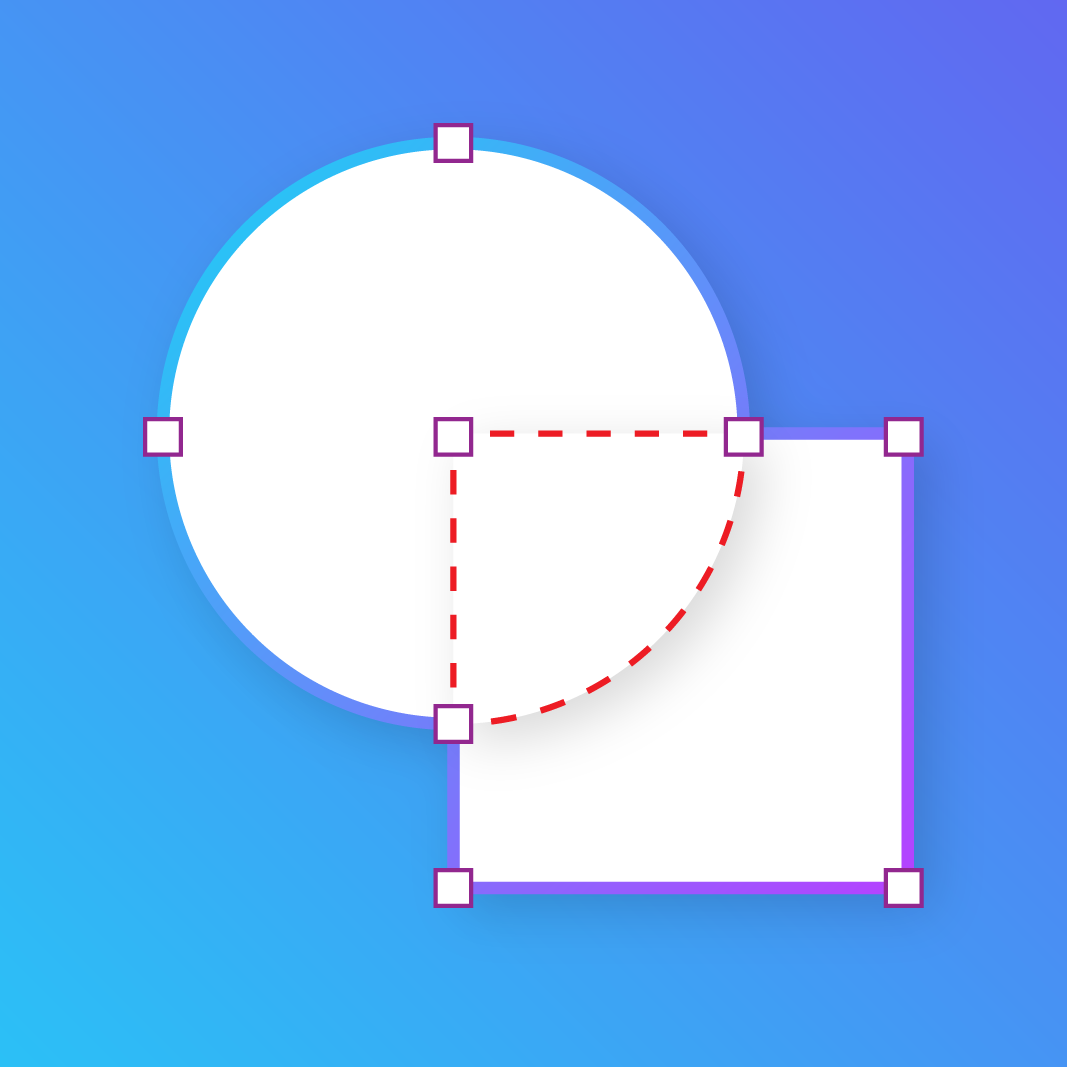
Create custom shapes, your way.
Go beyond basic shapes. Combine forms, adjust paths, and build more intricate graphics in a dedicated workspace, then export your work as an editable SVG for Canva.
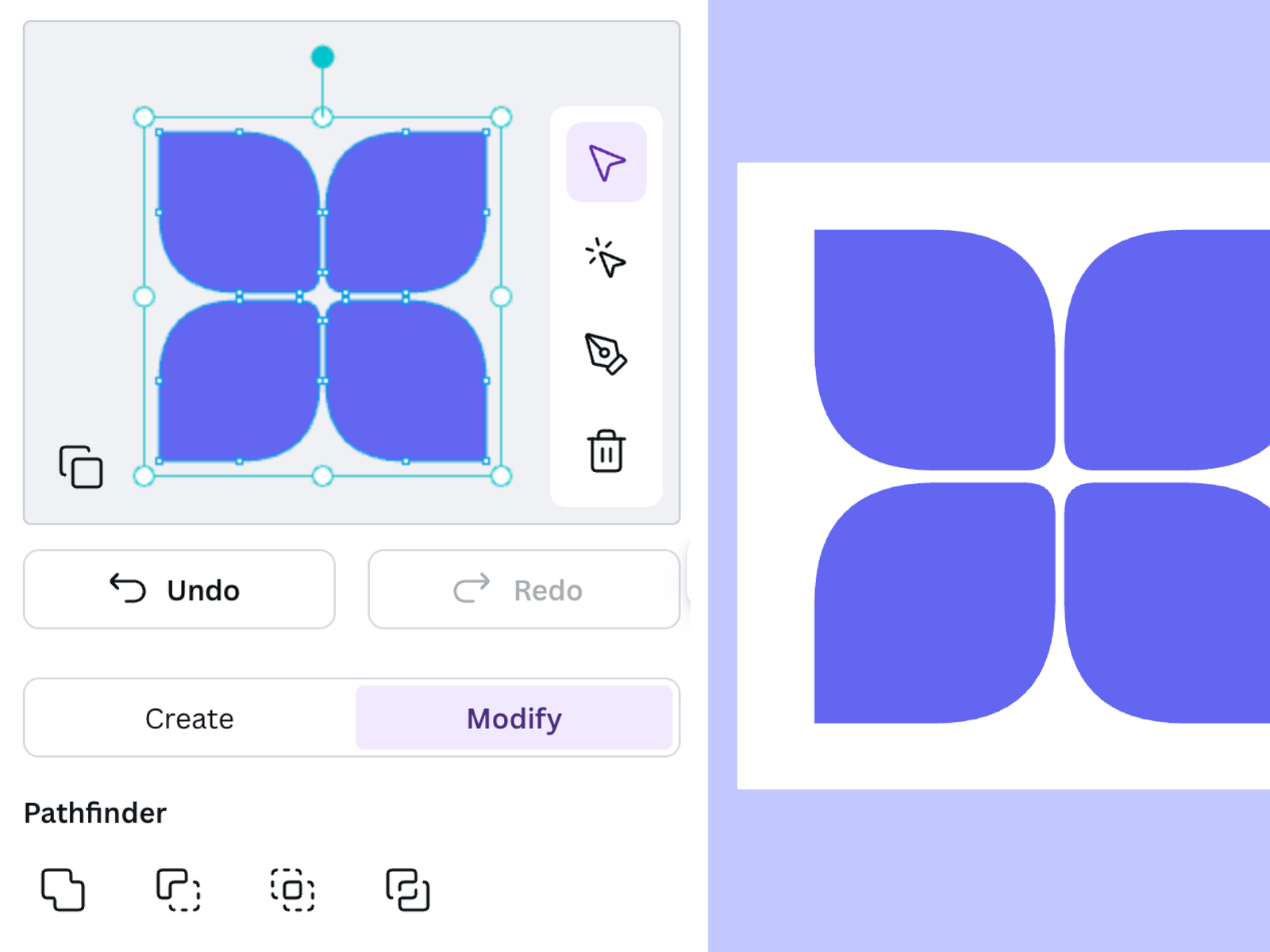
What you can do
Purpose-built functionality crafted for daily workflows.
Combine shapes
Bring shapes together to create more complex designs.
Adjust paths
Refine the outlines and forms of your shapes to get the look you want.
Export editable SVGs
Bring your finished shape designs into Canva as editable SVG files.
How it works
01 · Start with shapes
Open the workspace and begin with the shapes you want to use.
02 · Combine and refine
Join shapes and adjust their paths to build your design.
03 · Export to Canva
Export your result as an SVG and add it to your Canva project.
Sometimes the shape you need isn’t available in a standard shape library. Shape Builder gives you more room to create your own.
Combine shapes, refine their paths, and build graphics that fit your design. When you’re happy with the result, export it as an editable SVG and bring it into Canva.
Frequently asked questions
Can I combine shapes to create more complex designs?
How can I bring my work into Canva?
Can I use the designs and outputs for commercial projects?
More from Craft Mage
Explore other tools we've made to help you get things done.

